Image Result
NFrom Nibware - Original components, crafted in-house.
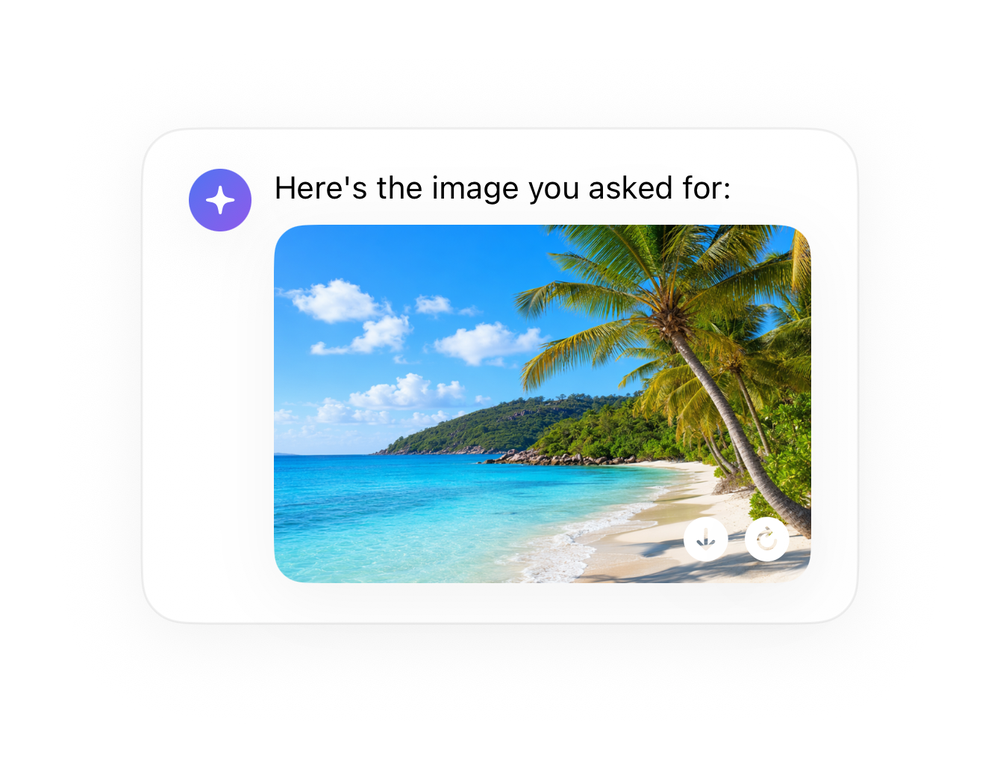
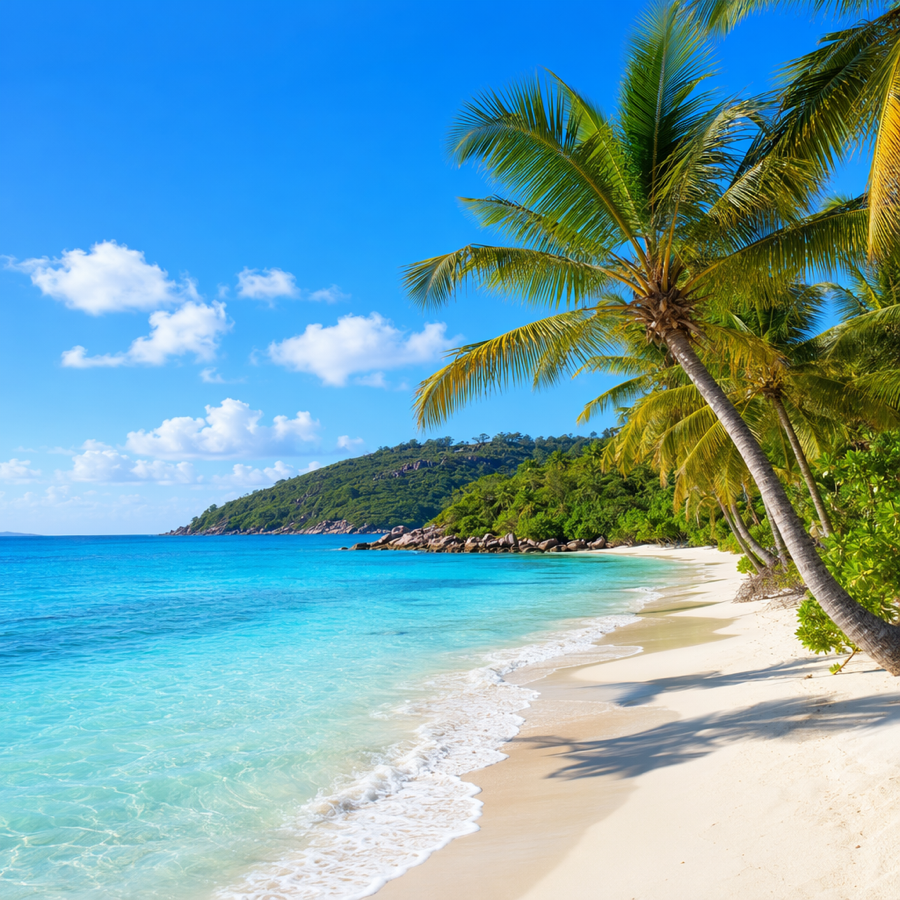
An image-generation result.
AI · 39 lines · SwiftUI · iOS 17+
The actual source
ImageResult.swift
import SwiftUI

let aiBlue = Color(red: 0.30, green: 0.45, blue: 0.95)

let aiViolet = Color(red: 0.55, green: 0.35, blue: 0.92)

extension View {
    func aiCard(_ w: CGFloat, _ pad: CGFloat = 18) -> some View {
        self.padding(pad).frame(width: w)
            .background(Color(.systemBackground), in: RoundedRectangle(cornerRadius: 20, style: .continuous))
            .overlay(RoundedRectangle(cornerRadius: 20, style: .continuous).stroke(Color.primary.opacity(0.06), lineWidth: 1))
.shadow(color: .black.opacity(0.05), radius: 14, x: 0, y: 6)Images this component uses
The code references this image by name. Download and drag into your Xcode Asset Catalog, keeping the same name, and the component renders exactly like the preview. Or swap in your own.
What it needs
Self-contained SwiftUI - system materials, SF Symbols, no external dependencies. Everything it needs - tokens, sub-views, models - is carried in the copy-paste source above.